
8 Step iOS Message Filtering Pilot That Feeds SIEM for SOCs

Enterprise on-device iOS message filtering scans messages from unknown senders on managed and BYOD iPhones, flagging smishing and social-engineering attempts before employees click. Security teams should adopt it as one layer in a broader mobile defense stack, not a standalone control, and start with a pilot that routes structured alerts into the SIEM. A recent WhatsApp vulnerability tracked as CVE-2025-55177 shows why filtering and patching have to work together.
TL;DR:
- Messaging from known contacts or spoofed numbers is not detected by the filter, leaving blind spots that require supplementary threat intelligence.
- On-device filtering depends on user enablement, so helpdesk-led workflows are essential for deployment, especially in BYOD environments.
- Zero-click attacks on messaging apps generate log patterns like repeated resync events and unexpected outbound messages that require OS and app patching alongside filtering.
- Structured filtering alerts should integrate into existing SIEM rules and tracking KPIs such as reported messages, false positives, and user adoption for meaningful detection.
- Cross-channel visibility, threat campaign correlation, and timely patching are critical to closing the gaps in mobile messaging security.
Table of Contents
- What Is Enterprise On-Device iOS Message Filtering?
- How Do You Deploy iOS Message Filtering Across a Fleet?
- What Detection Signals Matter Most for Modern Messaging Attacks?
- How Do You Build an iOS Filtering Pilot That Scales?
- Why Message-Filtering Alerts Deserve a Permanent Seat in SOC Telemetry
- Run a SmishAlert Pilot Before Your Next Smishing Incident
- Sources
- FAQ
What Is Enterprise On-Device iOS Message Filtering?
Enterprise on-device iOS message filtering is not the same feature your employees toggle on in Settings for personal spam control. In the enterprise context, it means a managed security platform reading the signals Apple’s Message Filtering extension exposes, then correlating those findings across a fleet of devices for a SOC.
Apple built the extension to classify messages from unknown senders only. Known contacts, spoofed numbers already in an address book, and iMessage threads with prior history fall outside its scanning scope, a constraint Apple documented when it introduced the framework in iOS 16. That single design choice explains most of the blind spots security teams run into.
The permission model compounds the limitation. The end user, not an administrator, has to enable the filter, and Mobile Device Management profiles cannot flip that switch remotely. Enterprise mobile threat defense tools work around this by placing flagged messages into junk folders and surfacing events to a management console, but only after the person on the device opts in, as Broadcom’s Symantec documentation confirms.
That leaves gaps a CISO needs to plan around:
- Messages from spoofed or previously contacted numbers bypass unknown-sender scanning entirely.
- Filter enablement depends on individual user action, not policy push.
- Structured alert data reaching the console may lack a reliable link between a flagged URL and the specific employee who received it.
None of this makes filtering optional. It means filtering has to sit alongside timely OS and app patching and mobile threat defense telemetry, feeding a layered detection model instead of replacing one, an approach Smishalert’s mobile OS filtering guide breaks down in more technical depth.
How Do You Deploy iOS Message Filtering Across a Fleet?
Rolling out filtering across a real organization runs into friction that pilot decks rarely mention. The enablement step lives with the end user, which means your helpdesk becomes the actual deployment mechanism, not your MDM console.
Here is the sequence that tends to work:
- Publish a short enablement guide (screenshots, not prose) and push it through existing security awareness channels.
- Route enablement confirmation through a helpdesk ticket or self-attestation form, since MDM cannot verify the toggle state remotely in most fleets.
- Segment executive devices into a separate cohort with elevated monitoring, since they carry disproportionate impersonation risk.
- Set a pilot window of two to four weeks across a cohort large enough to generate meaningful signal, mixing executives with representative knowledge workers.
- Define false-positive tolerance before launch, not after complaints start.
BYOD devices raise compliance questions MDM alone cannot answer. If the organization does not manage the device, it cannot mandate a Messages app setting, so enrollment has to be voluntary and the value proposition has to be clear to the employee, not just the security team. Smishalert’s guide on deploying protection without MDM walks through that specific gap.
Executive devices deserve their own track. Scoped coverage, voluntary enrollment paired with concierge-level onboarding, and tighter alert thresholds all reflect the reality that a CEO’s phone is a higher-value target than a standard employee’s.
Pro Tip: Run the pilot enablement instructions past your helpdesk team before launch. If they can’t walk a confused executive through the toggle in under two minutes over the phone, the instructions need to be simpler, not the pilot smaller.
What Detection Signals Matter Most for Modern Messaging Attacks?
Zero-click attacks change the calculus for filtering entirely. When a target does not need to click anything, user-hygiene training loses most of its value, and the priority shifts to catching anomalous session behavior at the platform level.
Researchers documented zero-click WhatsApp account takeovers on iOS 16 devices where forensic teams found continuous “resync” events in unified logs, a pattern tied to CVE-2025-43300 as a likely enabler. CVE-2025-55177 describes a related mechanism: a WhatsApp flaw that let arbitrary URL content get processed automatically, which combined with an Apple OS vulnerability may have supported targeted attacks against specific individuals.
These are the forensic-level signals SOCs should ask for when a suspicious messaging incident gets reported:
- Repeated resync events in unified iOS logs with no corresponding user action
- Image-processing errors or crashes tied to a messaging app around the time of suspicious activity
- Unexpected outbound messages the user did not initiate
- Structured filter findings flagging a link or sender pattern matching known campaign infrastructure
A Jamaica CIRT advisory covering these incidents recommends immediate OS and app patching alongside monitoring for the log anomalies above, precisely because filtering alone will not catch an attack that requires no click from the victim.
Feeding filter output into a SIEM or XDR platform turns isolated device events into correlated intelligence. A single flagged message means little in isolation. The same sender pattern hitting twelve devices in finance within an hour, cross-referenced against email gateway logs showing a matching domain, tells a very different story. One operational caveat matters here: on-device filters cannot scan messages from senders already in a contact list, so pairing filter output with network-level DNS filtering and MDM telemetry closes a gap that filtering by itself leaves open.
How Do You Build an iOS Filtering Pilot That Scales?
An eight-step operational sequence turns filtering from a checkbox feature into measurable SOC telemetry.
- Choose a pilot cohort. Mix executives with representative knowledge workers across departments with varying risk exposure.
- Drive filter opt-in. Use the helpdesk-led enablement workflow described earlier, not a one-time email blast.
- Integrate alerts into the SIEM. Map structured filter findings to existing correlation rules rather than building a parallel dashboard nobody checks.
- Update SOC playbooks. Add specific escalation paths for filtered smishing alerts, distinct from email phishing triage.
- Train analysts on iOS-specific indicators, including resync anomalies and app-specific CVE patterns.
- Measure KPIs across the pilot window.
- Iterate on false-positive thresholds and enablement messaging based on early data.
- Expand to the broader fleet once adoption and signal quality hold steady.
Track a small set of KPIs that actually tell you something: number of reported suspicious messages, confirmed malicious findings, time-to-detect, blocked click attempts, and pilot adoption rate. Adoption rate matters more than most teams expect, since a filter nobody enables generates zero telemetry regardless of how well it works.
- Use structured findings only in your SIEM integration, never raw message content, to keep the deployment privacy-preserving by design.
- Cap alert retention windows and document them for compliance review.
- Give employees a direct reporting channel that feeds the same pipeline as automated filter alerts.
Pro Tip: If your SIEM correlation rules already flag credential-harvesting URLs from email, extend those same rules to ingest filtered SMS and iMessage alerts instead of building a second detection logic from scratch.
Why Message-Filtering Alerts Deserve a Permanent Seat in SOC Telemetry
Most security teams still treat mobile messaging as a user-education problem rather than a data source. That framing misses what filtering actually offers: structured, ongoing signal from a channel that traditionally produces none.
The value shows up fastest during a pilot, when a SOC sees its first confirmed credential-harvesting attempt land as a filtered alert instead of a help-desk call after the fact. Platforms like Smishalert that correlate campaign patterns across SMS, iMessage, and WhatsApp turn that single data point into something closer to threat intelligence, showing whether one flagged message is isolated or part of a coordinated push against a department. A pilot that starts with enough devices and disciplined KPI tracking tends to surface that pattern within weeks, not months.
Treat the alerts as evidence, not noise, and the mobile channel stops being the blind spot it has been for most organizations.
— Sophie
Run a SmishAlert Pilot Before Your Next Smishing Incident
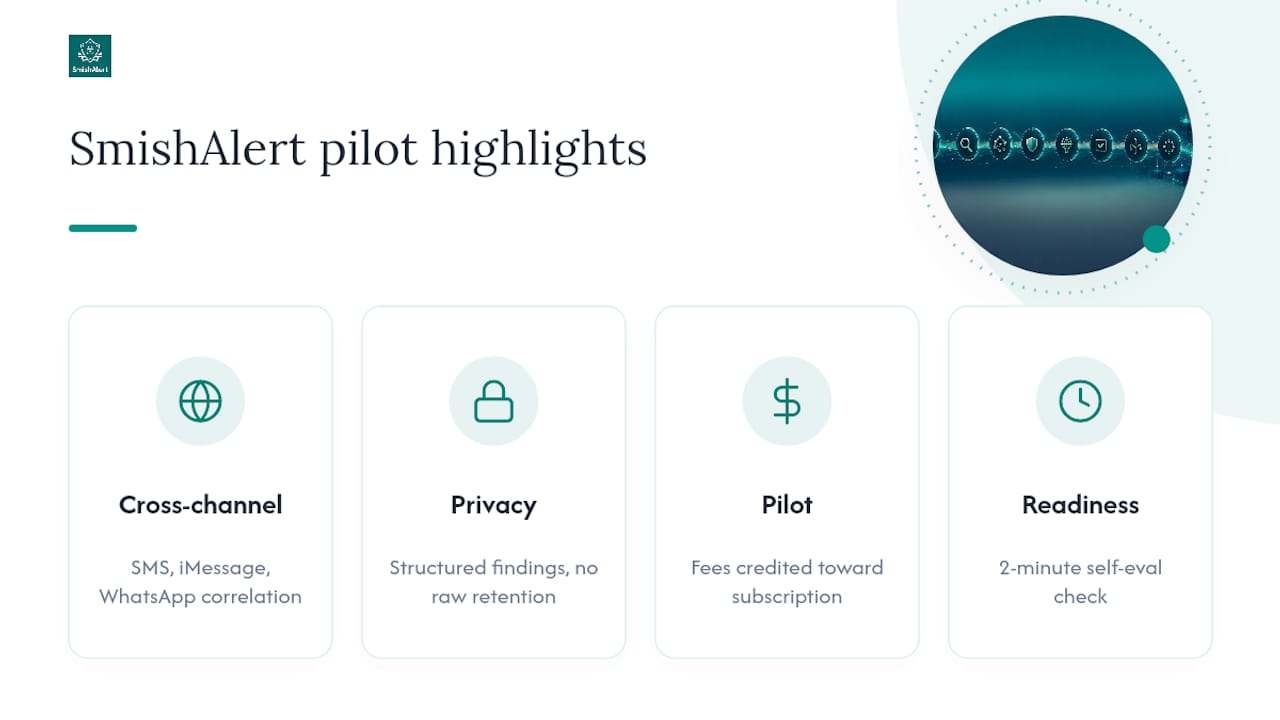
Smishalert gives security teams the piece Apple’s native filtering leaves out: cross-channel visibility and campaign correlation across SMS, iMessage, and WhatsApp, delivered as structured findings your SIEM can actually use.

The platform supports on-device iOS message filtering alongside Android and cross-channel reporting, allowing flagged activity from different devices to appear in the same correlated view instead of separate consoles. Privacy-preserving design means the system works with structured findings, not raw message retention, supporting both BYOD deployments and devices with higher privacy expectations. Deployment patterns cover managed fleets and BYOD alike, including executive impersonation defense for the highest-risk cohort in most organizations.
Most engagements start with a pilot period, with fees credited toward subsequent subscriptions if continued. If you want a faster gut check first, the self-eval readiness check takes about two minutes and tells you where your current mobile defenses actually stand.
Sources
Bookmark these for operational reference: the CVE-2025-55177 NVD entry, the Jamaica CIRT zero-click advisory, Apple’s Message Filtering documentation, and Smishalert’s write-up on iMessage security vulnerabilities for deployment context.
FAQ
What Is Enterprise On-Device iOS Message Filtering?
It’s a security capability that reads output from Apple’s Message Filtering extension and routes structured alerts into a SOC’s monitoring stack, distinct from the consumer spam settings on a personal iPhone.
Can MDM Automatically Enable iOS Message Filtering?
No. Mobile Device Management cannot toggle the filter remotely; the end user has to enable it on the device, which makes helpdesk-driven enablement workflows essential for enterprise rollout.
Does iOS Message Filtering Catch Messages From Known Contacts?
No. Apple’s framework only scans messages from unknown senders, so spoofed numbers already in an address book or established iMessage threads fall outside its scope, a gap platforms like Smishalert address through cross-channel correlation.
How Should Filtering Alerts Feed Into SIEM or XDR?
Structured filter findings should map to existing correlation rules alongside email and endpoint telemetry, letting a single flagged message become part of a broader campaign pattern rather than an isolated event.
What KPIs Should a Filtering Pilot Track?
Track reported suspicious messages, confirmed malicious findings, time-to-detect, blocked click attempts, and pilot adoption rate, since adoption directly determines how much telemetry the pilot actually generates.